Upload Document
Use Upload Document to add a new document to the General Knowledge Base.
Open the Upload Document Form
Click the Upload Document button at the top right of the toolbar.

The Upload Document dialog appears.
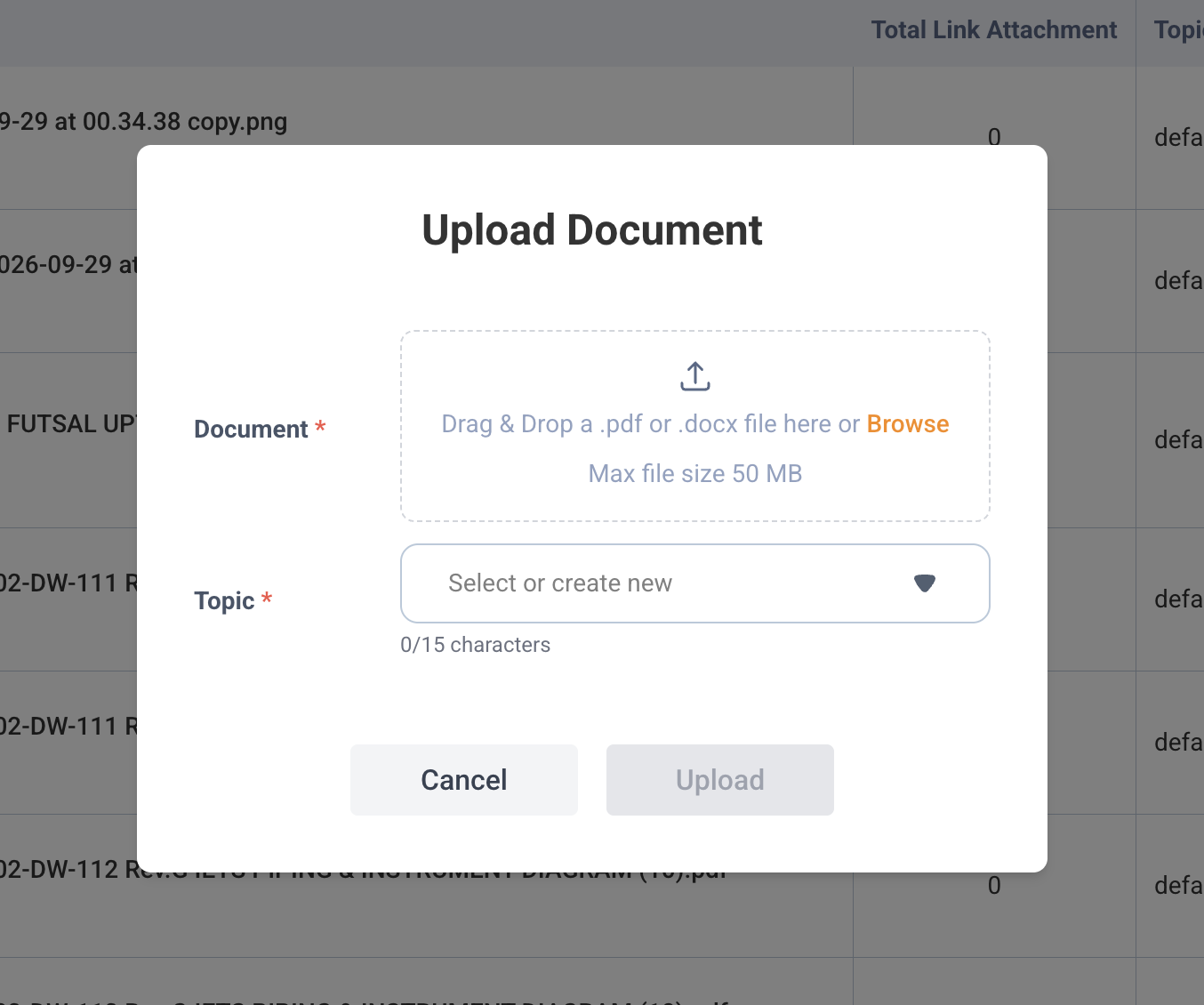
Upload a Document
- In the Document field, drag and drop a
.pdfor.docxfile, or click Browse and select the file. - In the Topic field, select an existing topic from the dropdown or type a new one (up to 15 characters).
- Click Upload.
To close the dialog without uploading, click Cancel.
